

For most professional backtests, request a provider bulk export or catalog/S3 export in Parquet or CSV rather than pulling data through a paginated API. Download with a resume-capable client like wget -c or aria2c, verify the checksum before touching the files, and confirm your provider's egress terms first. If your account supports a bulk export or data catalog endpoint, start there. That single check saves hours of failed re-downloads later.
TL;DR:
- Using catalog or S3 exports is ideal for large backtests or multi-year data pulls, as bulk APIs often limit time ranges and size.
- Request data in Parquet for large-scale analytics or CSV/JSONL for compatibility, with gzip compression by default, optimizing for efficiency.
- Download large files with
wget -c,aria2c, or provider SDKs to handle interruptions and speed up multi-gigabyte transfers, while respecting rate limits.- Verify downloads via checksums and gzip decompression before processing, ensuring data integrity and preventing silent errors.
- Prepare data through timezone normalization, gap adjustments, and schema standardization to enable clean, accurate backtests and seamless platform imports.
Table of Contents
- Choosing the Right Bulk Historical Data Download Method
- Which File Format and Granularity Should You Request?
- What Tools Actually Handle Multi-Gigabyte Downloads?
- What Access and Cost Limits Should You Confirm First?
- How Do You Verify a Download Is Actually Complete?
- How Do You Get Bulk Data Ready for Backtesting?
- Quick-Start Checklist for a Bulk Historical Data Pull
- Get Clean, Import-Ready Historical Data Without the Cleanup Work
- Reference Docs for Bulk Data Downloads
- Sources
Choosing the Right Bulk Historical Data Download Method
Not every provider offers the same delivery model, and picking the wrong one wastes bandwidth and time. Most professional-grade platforms fall into three categories.
A bulk API streams large result sets directly, often in CSV or JSONL, and typically applies concurrency and time-range limits to keep transfers manageable, as Messari's bulk API documentation explains. A data catalog or export system works differently: you submit a request, and the provider queues it, processes it, and marks it ready once the file set is built. Nasdaq Data Link's large table download workflow follows exactly this pattern, returning a list of files tied to status fields. A cloud/S3 export hands you direct bucket access, sometimes under a requester-pays model where you cover the bandwidth.
Match the method to the job:
- Backtesting a large portfolio across years of minute bars: use catalog or S3 exports, since bulk APIs often cap the time range per request.
- Training an ML model on tick or orderbook data: bulk APIs with pagination work if the dataset is moderate; S3 exports scale better for terabyte-class jobs.
- Ad-hoc research on a handful of symbols: a bulk API call is usually faster than requesting a full export.
Watch for link expiry. Many providers issue tokenized, short-lived download URLs, similar to the pattern in Hugging Face's dataset library, so download promptly once a file shows "ready."
Which File Format and Granularity Should You Request?
The format you request determines how much cleanup work waits for you afterward, and getting it wrong on a multi-year pull means re-downloading everything.
Parquet is the right call for large-scale analytics. It is columnar, compresses well, and loads fast into pandas or Spark without a separate parsing step. CSV and JSONL remain the safer choice when compatibility matters more than speed, since almost every tool on the planet can read them, and Messari's bulk endpoint defaults to exactly this pair.
Granularity changes the math dramatically. Tick, trade, and orderbook data can run into hundreds of gigabytes per symbol per year; minute bars are far more manageable; daily fundamentals barely register by comparison. Decide upfront whether your strategy actually needs tick-level detail or whether minute bars cover it.
- Request per-day or per-symbol files where the provider offers that split. It's easier to resume a failed download and easier to verify.
- Expect gzip compression by default on most bulk exports.
- Confirm whether fundamentals ship separately from price data. They usually do, and mixing pipelines causes headaches.
What Tools Actually Handle Multi-Gigabyte Downloads?
Browser downloads fail on large files more often than most analysts expect. A dropped connection resets the whole transfer, and browsers rarely resume cleanly past a few hundred megabytes. Command-line tools built for exactly this problem save real time.
- Use
wget -cfor straightforward single-file downloads. The-cflag resumes from where the connection dropped instead of restarting. - Use
curl -C - -Oas an alternative when a provider's API expects specific headers.-C -tells curl to auto-detect the resume point. - Use
aria2cfor anything multi-gigabyte. Its multi-connection downloading splits a single file into parallel segments, which cuts download time significantly on stable connections. A typical call looks likearia2c -x 8 -s 8 -c [URL], opening eight connections per file. - Prefer the provider's official SDK when one exists. These clients handle symbol-list expansion, nested folder paths, and retry logic automatically, which manual scripting tends to get wrong on the first attempt.
Respect the provider's stated rate limits. Hammering an endpoint with unthrottled parallel requests is the fastest way to get an account throttled or blocked, and the CORE dataset guidance on resume-capable download tools makes the same point for large research archives.
Pro Tip: Keep concurrency modest (aria2's -x and -s flags at 4 to 8) on your first run with a new provider. Ramp up only after confirming you're not hitting 429 responses.
What Access and Cost Limits Should You Confirm First?
Before you queue a multi-terabyte export, check three things: how you authenticate, how the provider rate-limits you, and who pays for bandwidth.
Most providers require an API key passed through a header, patterns like x-api-key or a provider-specific variant such as x-messari-api-key are common. Bulk endpoints frequently return a rate_limited_until timestamp or a plain 429 status once you exceed the allowed request volume, a behavior Nasdaq Data Link documents explicitly for its large table downloads.
- Confirm your daily or monthly request cap before scripting a loop that could blow through it in minutes.
- Check whether the provider bills egress separately from the subscription or export fee.
- If the data lives on cloud storage, look for a requester-pays model, where you cover the bandwidth cost directly, as arXiv's bulk data documentation describes for its S3-hosted archive.
- Ask whether concurrency caps apply per account or per API key, since that changes how you parallelize.
How Do You Verify a Download Is Actually Complete?
A file that downloaded doesn't mean a file that downloaded correctly. Truncated transfers and corrupted archives are common enough on multi-gigabyte pulls that skipping verification is asking for a bad backtest later.
Checksums are the first line of defense. Providers often expose an x-md5 header alongside the file, though Tardis's datasets API documentation notes that this header can mismatch a full-file MD5 on chunked or partial uploads. When that happens, fall back to two pragmatic checks: confirm the file size matches what the provider reports, and confirm the gzip archive decompresses cleanly. A gzip file that throws an error on decompression is a corrupted download, full stop.
- Run
gzip -t filename.gzto test integrity without extracting. - Compare reported file size against the download manifest before trusting the contents.
- Store checksums in a local manifest so repeat downloads can skip files that already verified clean.
- Partition storage by exchange, symbol, and date. This scheme makes incremental updates trivial, since you only need to pull dates newer than your last successful export.
- Back up verified archives before running any transformation scripts on the originals.
Empty gzip files sometimes show up for days with no trading activity rather than signaling a broken download, a quirk Tardis's documentation flags directly, so don't treat every zero-byte file as an error.
How Do You Get Bulk Data Ready for Backtesting?
Raw files rarely import cleanly into a trading platform or research pipeline on the first try. A handful of normalization steps make the difference between usable data and a dataset full of silent errors.
Start with timezone normalization. Exchange timestamps often ship in UTC or exchange-local time, and mixing the two across a merged dataset produces subtly wrong backtests that are hard to catch after the fact. Align your data to a single trading calendar, and account for holiday gaps so missing sessions don't get misread as data errors. Apply split and dividend adjustments before running any equity backtest, and standardize column names and types across every symbol you load, since inconsistent schemas are the most common cause of pipeline breaks.
- Use pandas or PySpark for anything at minute-bar scale or larger; Excel's row limits and formatting quirks will silently truncate or corrupt high-frequency data.
- Check BacktestMarket's MT4/MT5 import guide if your destination is a trading platform rather than a research notebook.
Quick-Start Checklist for a Bulk Historical Data Pull
Run through this sequence before committing to a large export, and you'll avoid most of the failures that waste an afternoon.
- Pick the dataset and confirm the delivery method (bulk API, catalog export, or S3).
- Check egress costs and confirm the download link's expiry window.
- Download with a resume-capable client:
wget -c [URL]oraria2c -x 8 -c [URL]for parallel segments. - Verify with
md5sum filenameagainst the provider's checksum, then rungzip -t filename.gz. - Partition files by symbol and date, and log every checksum in a manifest for reproducibility.
Pro Tip: Run step 4 before step 5, every time. Partitioning a corrupted file just buries the problem deeper in your folder structure.
Get Clean, Import-Ready Historical Data Without the Cleanup Work
Backtestmarket skips the entire verification and normalization process this guide just walked through. Every dataset arrives as clean minute-bar data, checked for gaps and pricing errors, and packaged for direct import into MT4 or MT5, so you spend zero time writing checksum scripts or timezone-alignment code.
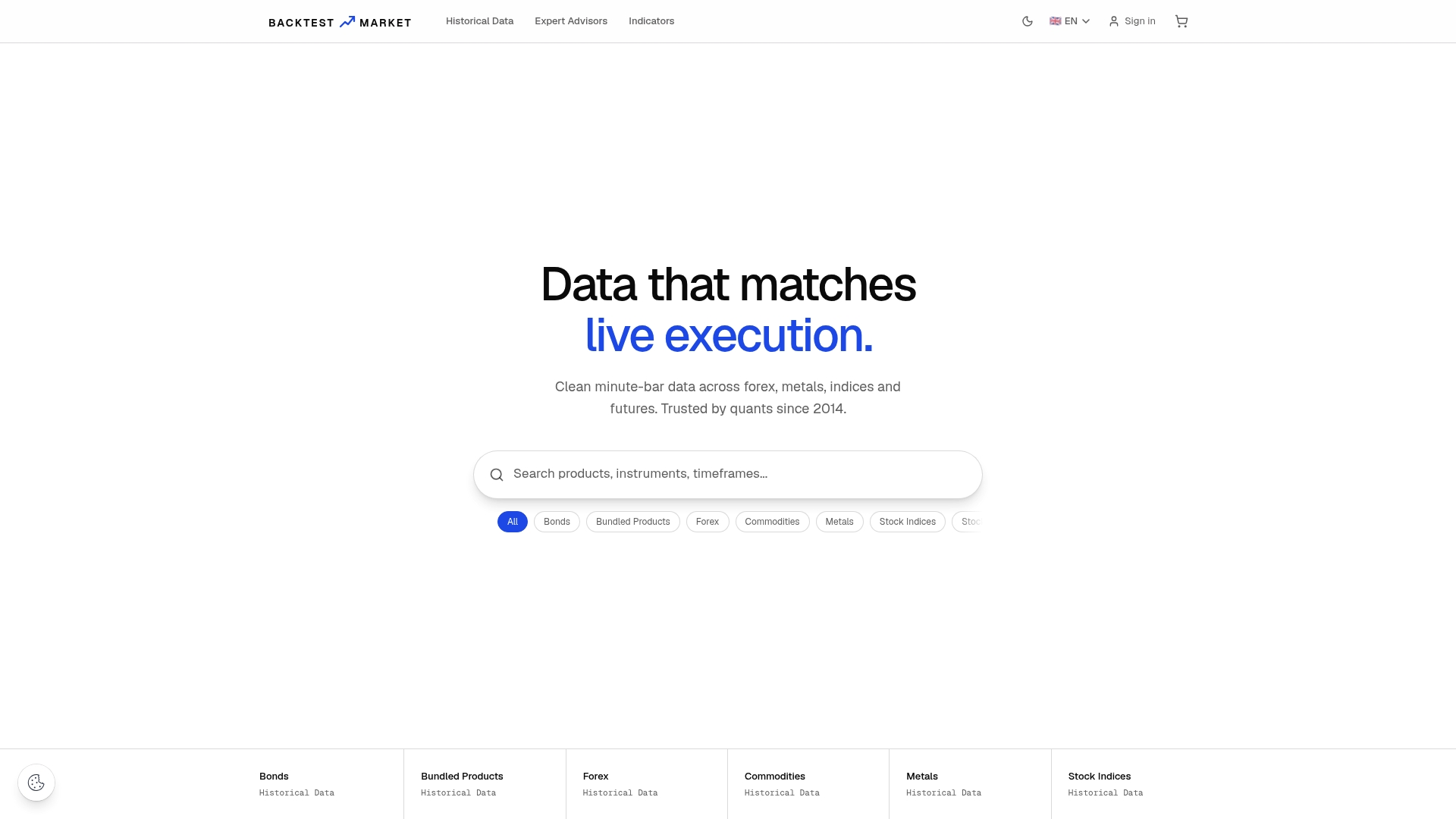
The historical data catalog covers forex, metals, stock indices, bonds, and commodities, sold as one-time downloads rather than subscriptions, with bundles organized by asset class. If you trade indices specifically, the Nasdaq 4-hour dataset is ready to import today. Engineers, not a support queue, answer questions about formatting or import issues directly. Browse the full product range and pick the asset class your strategy needs first.
Reference Docs for Bulk Data Downloads
- Nasdaq Data Link large table download docs: rate limits and file-status workflow.
- Messari Bulk API documentation: CSV/JSONL streaming and compression behavior.
- Dataverse Data Access API guide: bundled dataset downloads by file ID.
- CORE dataset download recommendations: resume-capable tools like aria2 and wget.
Sources
Assembling raw data from scattered free sources costs more time than it saves in fees, especially once you factor in the hours spent chasing gaps, adjusting for splits, and reformatting inconsistent files across symbols. That time tradeoff is exactly what pushes serious quants toward audited datasets.
Backtestmarket's minute-bar sets, cleaned and MT4/MT5-ready since 2014, exist for that reason. Choose a paid, audited dataset when reproducibility matters more than upfront cost; assemble raw sources yourself only for quick, low-stakes exploratory work.
— Start
Recommended
- Holiday Gaps in Market Data: A Quant's Handling Guide
- Minute Bar Data: What Quants Need for Reliable Backtests
- Historical Data
- BTM Data Converter
Related resources
Explore BacktestMarket's historical data packs to put the ideas in this article into practice.