Blog
Articles, guides and insights on algorithmic trading, backtesting strategies, quantitative analysis, and data quality.
1–9 of 146 articles

Backtest Warmup Period: How Many Bars to Set Aside
A backtest warmup period lets indicators initialize before the first trade. Learn how to size it per indicator, avoid NaN rows and keep warmup bars out of results.

Futures Contract Codes Mapping: Root, Month, Year
Learn how futures contract codes map to markets: root symbol, month letter, year digits, platform differences, and how to keep symbols consistent in backtests.

Trading Halts Data: Fields, Sources and Backtest Handling
What trading halts data should contain, where to find halt history, how to verify it, and how to keep halts from distorting your backtests.

Price Precision in Backtesting: What It Is and How to Get It Right
Price precision decides how realistic your backtest is. Learn the simulation modes, data checks, cost modeling and sensitivity tests that make results trustworthy.

Minute Bar Backtesting Accuracy: What It Is and How to Improve It
Minute bar backtests can only approximate live trading. Learn how to check data quality, handle intrabar ambiguity, model costs and validate results.
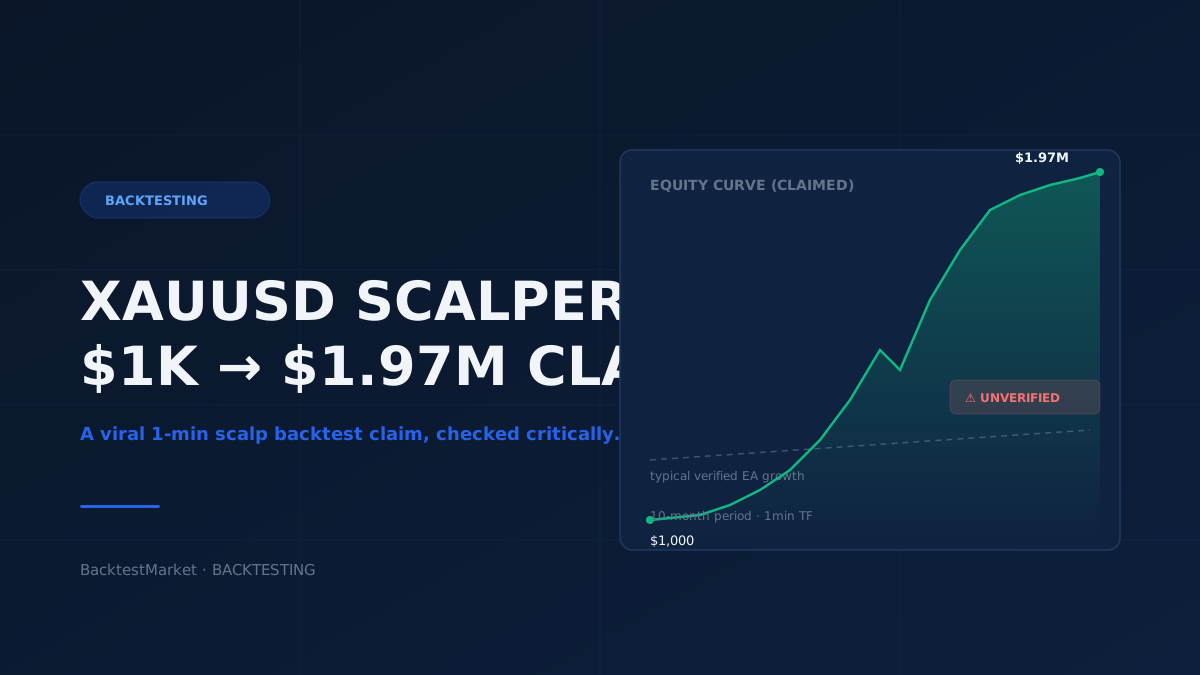
XAUUSD 1-Minute Scalper: What a '$1K to $1.97M in 10 Months' Backtest Actually Tells Us
A viral XAUUSD 1-minute scalping backtest claims a $1,000 account grew to $1.97 million in ten months. Here's how to read that kind of number critically, and how to build your own verification workflow before trusting any backtest.

Weekend Gap Modeling: Measure, Classify and Backtest Gaps
Learn how to define, measure and classify weekend gaps, clean the data behind them and backtest gap rules without look-ahead bias, using minute-bar data.

Mid Price vs Bid and Ask: What Each One Means
Mid price vs bid and ask explained with worked examples: how to calculate the midpoint, why you can't count on a fill there, and what it means for backtests.

Decimal Separator in MT4: Dot vs Comma for Prices and CSV Data
MT4 prices use a dot, but your Windows region or Excel may expect a comma. Learn where the mismatch bites and how to fix CSV imports and exports.