

Convert every incoming timestamp to UTC at the moment it hits your pipeline, anchor session logic and backtests to that UTC clock, and detect your broker's DST behavior dynamically instead of hardcoding an offset. That single workflow eliminates the vast majority of forex daylight saving time errors that corrupt minute-bar backtests. Do these four things and verify them properly:
- Normalize all incoming market timestamps (tick or minute bar) to UTC immediately at data ingress, before any strategy logic touches them.
- Anchor session filters and backtest windows to UTC; convert to broker or server time only at the point of trade execution.
- Detect your broker's DST schedule dynamically by logging its offset over time, rather than assuming a fixed GMT+2/GMT+3 split.
- Verify the whole chain by backtesting across DST transition weeks and inspecting trade timestamps for one-hour jumps.
Everything below explains why this matters and exactly how to build it.
TL;DR:
- Converting all timestamps to UTC at data entry prevents DST-related candle misalignments and session filter errors across transition weeks.
- Detect broker DST behavior dynamically by logging offset shifts during the year, rather than relying on fixed GMT offsets or assumptions.
- Running backtests across March and November transition weeks helps identify and eliminate one-hour timestamp jumps in trade logs.
- Using datasets with UTC-first timestamps, like Backtestmarket's offerings, ensures accurate backtesting regardless of broker DST shifts.
- Verifying data integrity through offset logging, NFP matching, and visual checks is essential to confirm DST-proof trading strategies.
Table of Contents
- Why Daylight Saving Time Causes Minute-Bar Timestamp Drift
- Building A UTC-First Data Pipeline That Ignores DST
- How Do You Detect A Broker's DST Schedule Without Documentation?
- Tests That Prove Your Data Handles the Clock Change
- Why BacktestMarket's Minute-Bar Data Solves This at the Source
- Key Takeaways
- Get DST-Normalized Minute Data Without Building the Pipeline Yourself
Why Daylight Saving Time Causes Minute-Bar Timestamp Drift
Most forex brokers run their servers on a fixed offset from UTC that itself shifts with daylight saving. A broker publishing "GMT+2" in winter often moves to GMT+3 in summer, and that seasonal jump is precisely where minute-bar datasets get quietly corrupted. Your strategy code doesn't see "GMT+2 became GMT+3." It sees the London session opening an hour earlier or later than the code expects, and every session filter built on a static assumption starts misfiring.
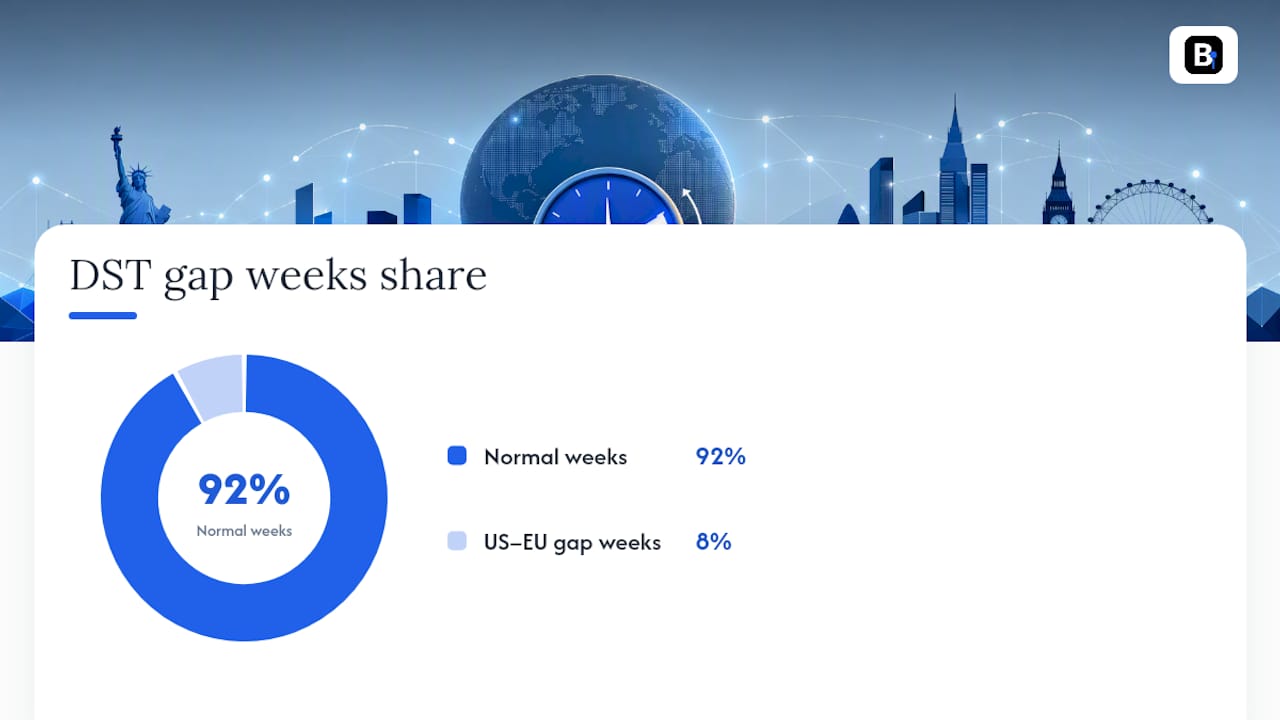
The real trap sits in the gap weeks. The United States and the European Union do not switch their clocks on the same calendar date. The US typically moves in early March and early November; the EU moves in late March and late October. For roughly two weeks each spring and fall, the standard hour-offset between New York and London/Frankfurt is temporarily different from the rest of the year, which means any dataset or EA that treats the US to EU offset as a constant gets that window wrong twice a year, every year.
Three mistakes account for almost every DST bug we see in backtests:
- Hardcoding a broker's GMT offset as a fixed integer instead of resolving it dynamically per date.
- Converting timestamps into local server time inside strategy logic, rather than working in UTC and converting only at execution.
- Trusting
TimeGMT()orTimeGMTOffset()in isolation, without independently verifying what the broker's server is actually doing that week.
The symptoms are recognizable once you know to look for them: a cluster of trades that shifts exactly 60 minutes relative to prior weeks, session-filtered strategies suddenly taking trades outside their intended window ("phantom trades"), or minute-bar files with a missing or duplicated bar sitting right on the transition date. Any one of those is a strong signal your data or your session logic is unaware of forex market hours shifting with the clock change.
Building A UTC-First Data Pipeline That Ignores DST
The fix is architectural, not a patch. Every timestamp that enters your system, whether from a REST API, a WebSocket tick feed, or a downloaded minute-bar file, gets converted to UTC the instant it arrives, before it touches indicators, session filters, or order logic. This single design decision is what isolates backtesting logic from broker-specific server time drift and DST-related candle misalignment, and it's the difference between a pipeline you build once and one you're still patching every March and November.
A few implementation habits make this durable:
- Store every minute bar with a UTC timestamp as the canonical time field, and keep the original source timestamp alongside it as a separate metadata column, never discarded.
- Resolve DST transitions using your platform's timezone database (
zoneinfoortzdatain Python,pytzfor older codebases), not a hand-maintained offset table you have to remember to update. - Build session filters that compute their open and close boundaries as UTC anchors first, then convert to broker or local time only at the final execution step.
- If you're using a backtesting framework, prefer one that accepts explicit timezone input, the way backtrader's tzinput parameter lets the data source define timezone semantics instead of guessing.
One team building a tick pipeline for XAUUSD found that converting every timestamp to UTC at ingestion, backed by timezone-aware libraries instead of static offsets, ended a recurring cycle of manual DST corrections. That's the pattern worth copying: fix it once at the ingestion layer, and stop thinking about it everywhere else. A minute-bar dataset built this way behaves identically whether you're backtesting a March transition week or a random Tuesday in July.
Pro Tip: Log an ingestion-offset field on every bar during your first few weeks running a new data source. It costs nothing to store, and it's the fastest way to spot a broker quietly shifting its clock before that shift wrecks a live backtest.
How Do You Detect A Broker's DST Schedule Without Documentation?
Plenty of brokers never publish their DST rules in writing, which leaves detection up to you. Three methods work reliably, in order of effort:
- Offset logging. Record the delta between
TimeCurrent()andTimeGMT()on every tick or bar close, then watch that series over a few weeks. A broker observing DST will show TimeGMT() returning local server time rather than true GMT at certain points in the year, and the delta will flip by exactly one hour on the broker's actual transition date, not the calendar date you assumed. - NFP volatility matching. Non-Farm Payrolls releases at a fixed, well-known UTC time every month, producing a sharp, recognizable volatility spike on EURUSD M15 or M1 charts. MQL5 practitioners use this as a reference beacon: match the observed spike's local bar timestamp against the known NFP release time across multiple years to infer exactly when the broker's clock shifted.
- Daily-bar alignment. Compare your broker's daily-bar open time against the well-documented New York close (5 p.m. ET in most retail conventions). A consistent daily-bar alignment check across the year reveals both the broker's base offset and the exact week it flips for DST, without needing any broker documentation at all.
A short implementation checklist keeps this from becoming guesswork:
- Run the offset log continuously, not just once, since brokers occasionally change policy.
- Cross-check NFP-based detection against at least two or three historical release dates before trusting the inferred offset.
- If detection results are inconclusive, fall back to manual verification against the broker's own support documentation before deploying an EA live.
Tests That Prove Your Data Handles the Clock Change
Don't trust a dataset or an expert advisor until it survives four checks:
- Transition-week backtests. Run a full backtest across both DST switch weeks, the March window and the November window, and export the trade journal with UTC timestamps intact. Any session-filtered strategy that behaves consistently in July but drifts in late March has a DST bug, not a strategy problem.
- Visual Mode inspection. Step through Visual Mode and confirm session boxes align with UTC-anchored windows rather than whatever the platform's local display clock happens to show that week; this is a standard verification step for catching DST-related drift before deploying live.
- Dataset integrity checks. Scan for missing or duplicated minute bars around the transition date, confirm Sunday's partial session bar looks the way it should, and verify continuous minute coverage with no silent gaps.
- Automated regression tests. Write unit tests that assert session-filtered trade counts and session-window metrics stay stable across a DST boundary. If a strategy's weekly trade count for a session filter jumps or drops purely because of a calendar transition, that's your test failing correctly.
Track one metric religiously: the rate of one-hour timestamp jumps in your trade journal around known transition dates. A properly built UTC-first pipeline shows zero unexplained one-hour jumps across a full year of backtests; any nonzero rate points straight back to a broker-time leak somewhere in your session logic. For a deeper look at how similar timestamp misalignment reshuffles order and indicator sequencing at the tick level, the hidden pitfalls of API timestamp handling are worth studying alongside your own regression suite.
Why BacktestMarket's Minute-Bar Data Solves This at the Source
Backtestmarket builds its historical minute-bar datasets, covering forex, metals, bonds, and stock indices since 2014, with UTC-first timestamping baked in at the source, so you're not the one reconstructing broker-offset history from scratch. That matters most for the two subtopics this article has spent the most time on: gap weeks and dynamic DST detection. A dataset that's already normalized removes both problems before your strategy code ever runs.
Before you trust any dataset, including one you already own, run a quick verification pass: spot-check a handful of sample timestamps against a known UTC reference, run a short backtest specifically across a DST transition week, and confirm the trade journal shows no unexplained one-hour shifts. Backtestmarket's import guide for MT4 and MT5 walks through the exact import steps so that verification takes minutes, not an afternoon.
If you're setting up this workflow now, two datasets cover the most common needs:
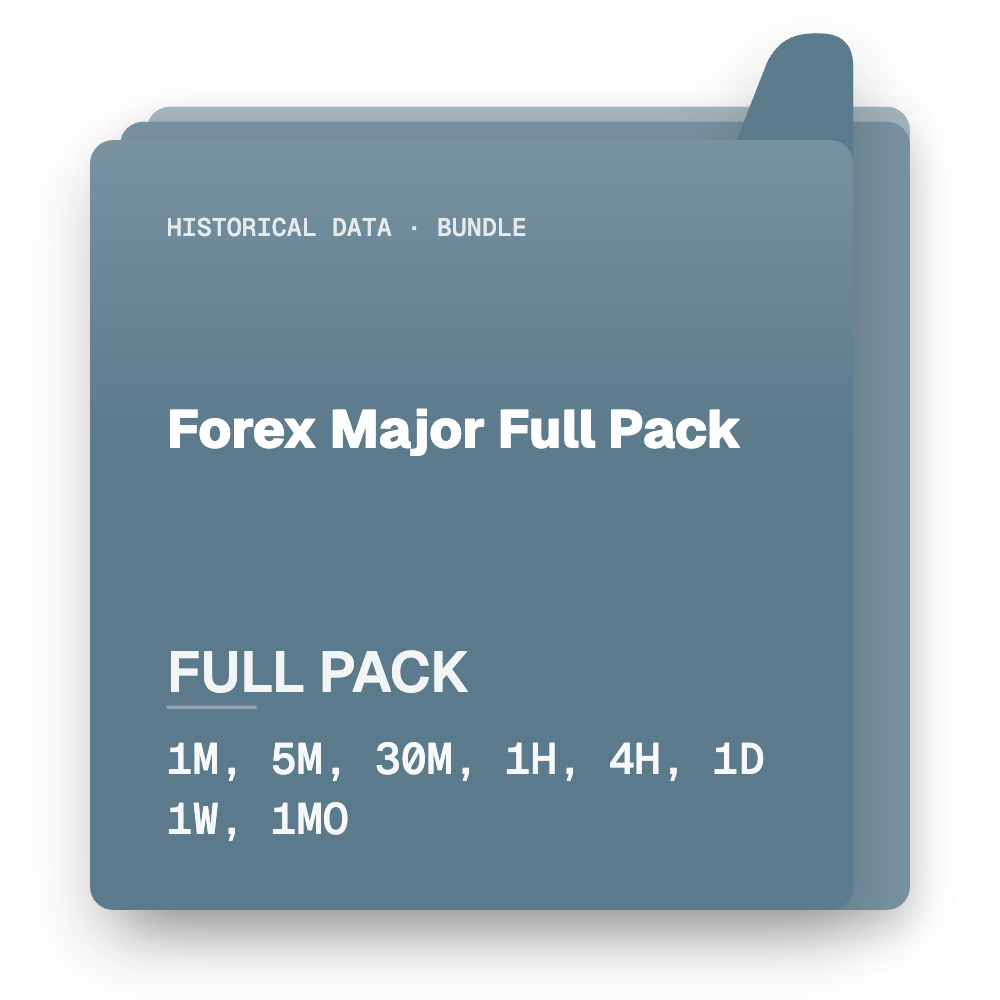
- The Forex Major Full Pack for teams backtesting across the primary pairs that carry the bulk of session-based liquidity.
- The Forex Minors pack for strategies that need targeted coverage outside the majors without paying for data you won't use.
Download either, run the checklist above against a transition week, and you'll know within an hour whether your session logic is finally DST-proof.
A practitioner's take on UTC-first pipelines
A UTC-first pipeline doesn't just fix DST bugs once, it removes DST as a recurring maintenance line item entirely. Teams that keep patching broker-time logic twice a year spend real engineering hours chasing phantom trades that a one-time architecture change would have prevented. The payoff shows up as fewer 2 a.m. Slack messages about a session filter that "worked yesterday," and cleaner trade journals the first time you run a transition-week backtest instead of the third. Run the verification tests in this guide against your current data source before you assume it's clean.
— Start
Key Takeaways
A DST-safe minute-bar pipeline works because it converts every timestamp to UTC at ingestion, resolves broker offsets dynamically, and gets verified across both annual transition weeks.
| Point | Details |
|---|---|
| Convert timestamps at ingress | Normalize every tick or bar to UTC the moment it enters your pipeline, before any strategy logic runs. |
| Never hardcode broker offsets | Detect DST behavior dynamically through offset logging, NFP matching, or daily-bar alignment. |
| Watch the gap weeks | US and EU DST switches land on different dates, creating a temporary one-hour mismatch twice a year. |
| Verify with transition-week backtests | Run backtests across March and November DST weeks and check for one-hour jumps in trade timestamps. |
| Use UTC-first datasets | Backtestmarket's minute-bar packages, including the Forex Major Full Pack and Forex Minors, ship with UTC-first timestamps ready for MT4/MT5 import. |
References for implementation
- MQL5 guide to detecting broker timezone and DST for NFP-based detection scripts
- MT4 timezone tutorial for building a DST-aware EA
- How to import data in MetaTrader for MT4/MT5 setup.
- Testing trading strategies for reliable results for broader backtest validation practices.
Get DST-Normalized Minute Data Without Building the Pipeline Yourself
Everything in this guide, the UTC conversion layer, the broker-offset detection, the transition-week regression tests, is engineering work you can build once and maintain forever, or skip by starting from data that's already correct. Backtestmarket exists for the second path: clean, minute-bar historical data across forex, metals, bonds, and stock indices, delivered UTC-first and ready to import directly into MT4 or MT5, with no ingestion layer to write.
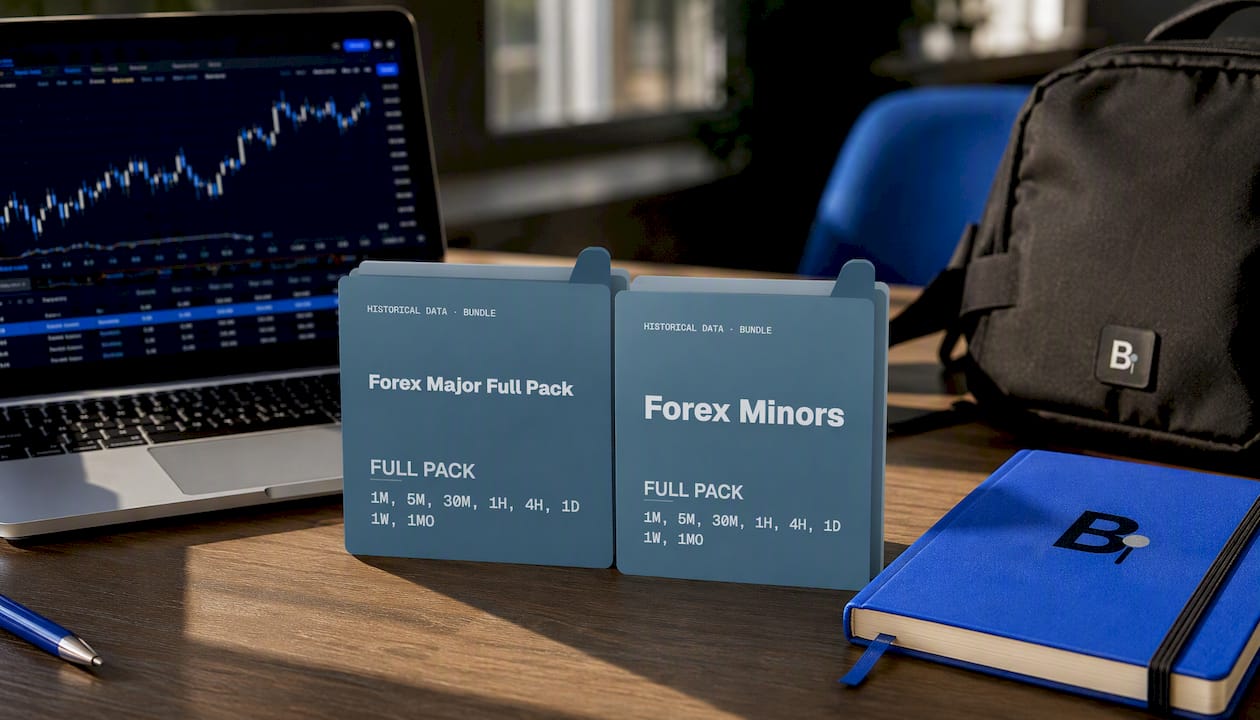
If you're a quant or EA developer who's spent a weekend chasing a one-hour trade cluster shift, that time gets spent once, on the data you're currently using, and never again on a dataset built with DST resolved at the source. The Forex Major Full Pack covers the pairs carrying most session-based liquidity, while the Forex Minors pack fills in targeted coverage beyond the majors. Backtestmarket's engineers also answer support questions directly, so a question about a specific transition week gets a real technical answer, not a ticket queue. Download a pack, run the verification checklist from this guide against it, and see for yourself whether your next backtest survives March and November without a single unexplained hour.
Recommended
- How to Import Data in MetaTrader (MT4 / MT5) | BacktestMarket | BacktestMarket
- Holiday Gaps in Market Data: A Quant's Handling Guide | BacktestMarket Blog
- Minute Bar Data: What Quants Need for Reliable Backtests | BacktestMarket Blog
- How to Import Data in NinjaTrader | BacktestMarket | BacktestMarket
Related resources
Explore BacktestMarket's Forex historical data to put the ideas in this article into practice.