

Instrument mapping data is the set of logical to broker symbol mappings, plus validated M1 history, that lets an Expert Advisor resolve the right instrument every time and reproduce real trading conditions in a backtest. The fix that matters most: build a deterministic resolver that turns a logical name like EURUSD into a verified, tradable broker symbol, and pair it with clean M1 datasets. Get those two pieces right, and everything downstream (higher timeframes, margin math, order execution) stops guessing.
TL;DR:
- Proper instrument mapping guarantees that logical symbols correctly resolve to broker-specific tradeable instruments, preventing silent errors during live trading and backtesting.
- Building a reliable resolver involves normalizing symbol names, caching discovered mappings, and verifying quotes with SymbolSelect before trusting the instrument.
- MT5 requires import into custom symbols rather than overwriting data files, with attention needed for correct formatting, contract specs, and restart procedures to ensure data integrity.
- Missing or mismatched minute data, especially gaps, can quietly corrupt higher timeframe candles, making pre-import audits and short backtests crucial for validation.
- Using pre-validated, ready-to-import datasets from providers like BacktestMarket can eliminate import errors and save time spent troubleshooting mapping and data quality issues.
Table of Contents
- What Is Instrument Mapping Data and Why It Matters for MT4/MT5
- How Do You Build a Working Instrument Mapping System?
- MT4 vs MT5: What Changes When You Import Data
- What Causes Most Instrument Mapping Failures, and How Do You Catch Them?
- Publisher Perspective: How We Approach Mapping and Dataset Delivery
- How BacktestMarket Removes the Import Guesswork
- Key Platform Docs and Detailed How-Tos
- Sources
- FAQ
What Is Instrument Mapping Data and Why It Matters for MT4/MT5
Every broker names things differently. One shows gold as XAUUSD, another as GOLD.pro, a third tacks on a raw suffix like EURUSD.m or EURUSDrfd. Your Expert Advisor doesn't know that XAUUSD and GOLD.pro are the same instrument unless something tells it so, and that "something" is instrument mapping data.
Skip this step and the failures are quiet, not loud. SymbolSelect returns false, OrderSend throws an invalid symbol error, or worse, your EA silently attaches to the wrong instrument and trades gold when it meant to trade a currency pair. Broker-specific prefixes and suffixes are a documented, recurring cause of EA and backtest failures, and they rarely announce themselves until a live account is already exposed.
There's a second layer to this that trips up even experienced developers: MetaTrader 5 (and MT4 before it) builds every higher timeframe, H1, H4, daily, from M1 bars under the hood. MetaTrader's own documentation confirms this dependency, which means a gap in your minute data doesn't stay contained. It propagates upward into every candle built from it.
Put those two problems together and you get compounding risk in strategy validation:
- Wrong symbol resolution means the EA might test against a completely different instrument than intended.
- Wrong pricing from a mismatched or gapped feed skews entry and exit logic.
- Wrong margin and lot-size calculations follow from incorrect contract specifications tied to the wrong symbol.
None of these show up as a crash. They show up as a backtest report that looks plausible and is quietly wrong.
How Do You Build a Working Instrument Mapping System?
The practical fix is a resolver: a small layer of logic that sits between your strategy code and the broker's symbol list, and that always returns a verified, tradable symbol for a given logical name. Here's how to build one that holds up under real conditions.
-
Define the contract first. Your resolver needs a clear input (a logical identifier like "EURUSD" or "XAUUSD") and a clear output (a broker symbol string that has already passed a selectability check). Decide upfront what failure looks like, an empty string, a thrown error, a logged warning, and be consistent about it everywhere the resolver is called.
-
Write normalization rules before you write discovery logic. Strip known prefixes and suffixes (.pro, .m, .raw, m#, rfd) and apply a controlled substring match against the terminal's symbol list. This handles the majority of cases without any guesswork.
-
Treat full discovery as the exception path, not the default. A well-built resolver checks a cache first, falls back to a stored mapping table second, and only scans the full terminal symbol list when both miss. Practitioner patterns in MQL5 development treat a full scan as expensive and rare by design, not something that runs on every
OnInit(). -
Persist what you discover. Once the resolver finds that "EURUSD" maps to "EURUSD.raw" on a given broker, save it. A simple CSV with columns for logical name, broker symbol, broker name, and date discovered works fine, and it doubles as an audit trail when something breaks six months later.
-
Verify before you trust it. Every resolved symbol should pass
SymbolSelect()and return a non-zero bid/ask before your EA treats it as live. A symbol that resolves but can't quote is worse than one that fails outright, because it fails silently later. -
Separate storage from logic. Keep your mapping cache (an in-memory
CResolutionCacheclass, for instance) distinct from the code that decides what to do with a cache miss. This split makes the resolver easier to test and lets you roll back a bad discovered mapping without touching resolution logic.
Pro Tip: Log every discovery event, even successful ones, with a timestamp and broker name. When a mapping silently breaks after a broker changes its symbol suffixes, that log is the fastest way to find out when and why.
MT4 vs MT5: What Changes When You Import Data
MT4 and MT5 handle historical data in genuinely different ways, and the difference matters the moment you try to import a clean M1 dataset.
MT4 stores history locally in .hst and .fxt files, and it lets you overwrite them directly through the History Center. That flexibility is convenient but also why MT4 data corruption is so common: nothing stops you from importing a malformed file over good data.
MT5 works differently on purpose. It refuses to let you overwrite broker-provided symbol history, so to use your own clean minute-bar data you have to create a custom symbol and import into that instead. This is a deliberate safeguard, but it adds a setup step people skip.
Before importing, get these details right:
- File format: most CSV imports expect Date, Time, Open, High, Low, Close, Volume columns, and getting the separator and timezone shift wrong is one of the most common import failures.
- Contract specs on custom symbols: MT5 needs digits, tick value, tick size, and margin mode set to match the real instrument before you import, because changing these parameters after import deletes the imported history.
- Max bars setting: raise it in terminal options before a large M1 import, or the platform silently truncates your dataset.
- Terminal restart: MT5 sometimes needs a full restart, not just a symbol refresh, before new custom-symbol history becomes available to the Strategy Tester.
- Start date confirmation: always check the actual first bar available in the tester against what you expect. A mismatch here is the single fastest way to invalidate a multi-year backtest without realizing it.
For a full walkthrough of the import dialog and custom-symbol setup, our guide on how to import historical data in MetaTrader 4 and 5 covers the click-by-click steps.
What Causes Most Instrument Mapping Failures, and How Do You Catch Them?
The failures that actually cost people money are rarely dramatic. A resolver returns a symbol that technically exists but has a zero-priced quote because the broker delisted it. A digits mismatch, five decimal places expected, three delivered, quietly throws off every P/L calculation in the report. A GMT offset difference between your data vendor and your broker's server time shifts every candle by an hour, which is enough to make session-based strategies test against the wrong hours entirely.
M1 gaps deserve special attention because they're the hardest to spot visually. A missing 40 minutes on a low-volume Tuesday doesn't look wrong on a chart, it looks like a quiet market. But because MT5 constructs every higher timeframe from that same M1 data, that gap quietly corrupts your H1 and H4 candles too. Our gap-detection walkthrough covers commands and scripts for finding missing minutes before they cost you a backtest run.
Run this five-step audit before any serious backtest:
- Open your mapping CSV and confirm every logical instrument has a current, dated entry.
- Run
Resolve()against a small test set (5 to 10 instruments) and log the output. - Confirm
SymbolSelect()succeeds and bid/ask are both non-zero for each resolved symbol. - Scan the M1 file for the instrument's trading session and flag any gap over a few minutes.
- Run a one-day sample backtest before committing to a multi-year run.
That last step alone catches most timezone and mapping errors in minutes instead of after a six-hour test finishes.
Publisher Perspective: How We Approach Mapping and Dataset Delivery
We built Backtestmarket around a simple observation: most backtest failures trace back to data problems, not strategy logic, and quants shouldn't have to become data engineers to fix that. Our minute-bar datasets arrive clean and ready for MT4/MT5 import, with no gap-hunting and no timezone guesswork. Clients also get direct access to engineers who've mapped these exact symbol quirks across dozens of brokers, along with import guides that walk through the custom-symbol setup MT5 demands.
— Start
How BacktestMarket Removes the Import Guesswork
There are services offering complete, clean minute-bar datasets across forex, metals, bonds, and stock indices, packaged as an all-in-one download that drops straight into MT4 or MT5 without the gap-patching or symbol-normalization work most quants end up doing by hand.
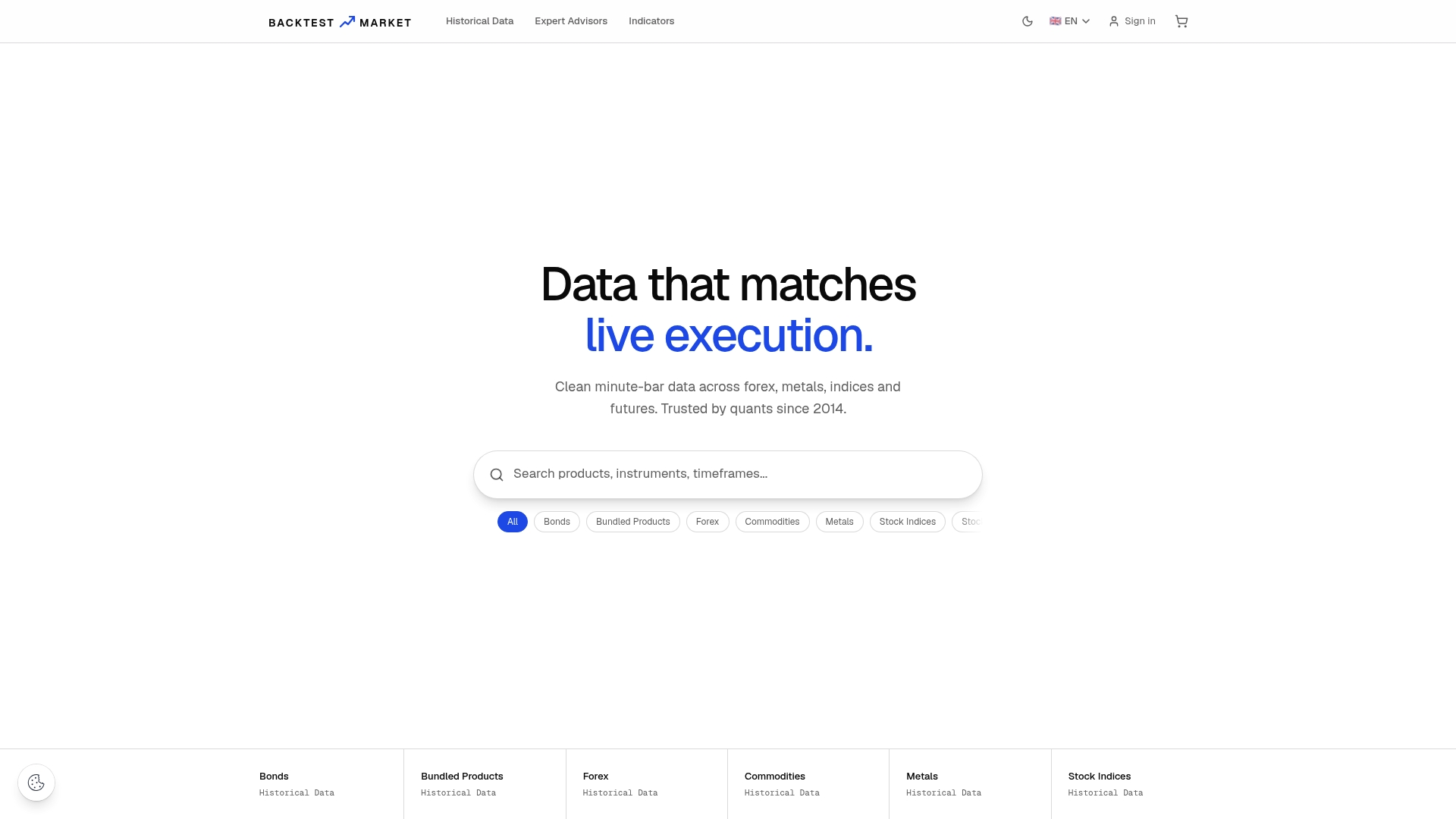
Every dataset ships pre-validated for continuity, so the M1 gaps that quietly corrupt higher timeframes are handled before you ever open the Strategy Tester. If your strategy trades currency pairs, available forex historical data libraries cover major and minor pairs with the contract consistency MT5's custom symbols require. Traders working with rate-sensitive instruments can start with the 30-year Treasury Bond minute data as a working example of what a fully mapped, import-ready dataset looks like. Real-time support from engineers who built the mapping and import tooling may be offered. Browse the full dataset catalog and download a sample for your instrument before committing to a full history purchase.
Key Platform Docs and Detailed How-Tos
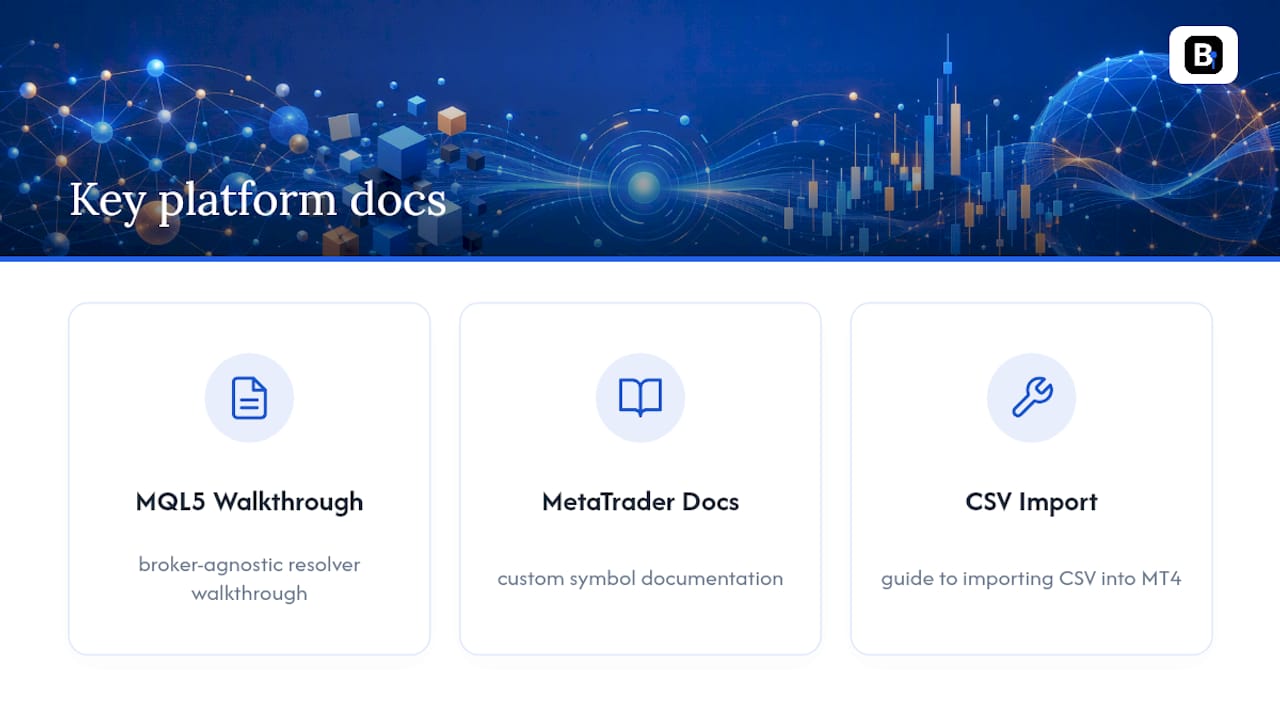
For deeper implementation detail, review the MQL5 broker-agnostic resolver walkthrough, MetaTrader's custom symbol documentation, and our own guide to importing CSV data into MT4.
Sources
- Building a Broker-Agnostic Symbol Resolution Layer in MQL5 - MQL5 Articles
- Custom Financial Instruments - For Advanced Users - Trading Operations - MetaTrader 5 Help
- MQL5 Symbol Names: A Comprehensive Guide to Understanding and Using Symbol Identifiers
- Importing Historical Bar Data and Converting Tutorial for Quality Backtesting - Desire To Trade
FAQ
What Is Instrument Mapping Data?
It's the combination of a logical to broker symbol lookup table and validated minute-bar (M1) history that lets a trading platform resolve the correct instrument and reproduce accurate backtest results.
Why Does MT5 Care So Much About M1 Data Specifically?
MT5 constructs every higher timeframe chart from its M1 history internally, so any gap or error in the minute data propagates into H1, H4, and daily candles automatically.
Can I Just Overwrite History Files Like I Did in MT4?
No. MT4 allows direct overwriting of local .hst files, but MT5 blocks overwriting broker symbol history and requires you to import clean data into a custom symbol instead.
What's the Fastest Way to Check if My Mapping Is Broken?
Run your resolver against a handful of instruments, confirm SymbolSelect() returns true with non-zero bid/ask, then run a one-day test backtest before committing to a full run.
Where Can I Get Pre-Mapped, Import-Ready Data Instead of Building This Myself?
Backtestmarket sells clean, validated minute-bar datasets across forex, metals, bonds, and indices that import directly into MT4 and MT5, backed by direct engineer support for setup questions.
Recommended
- How to Import Historical Data in MetaTrader 4 & 5
- Fixing MT4 Missing Data: A Complete Recovery Guide
- How to Import CSV Data Into MT4 for Backtesting
- Audit First MT5 Backtesting Data: Gap, Timestamp, Ready to Import
Related resources
Explore BacktestMarket's Expert Advisor robots to put the ideas in this article into practice.