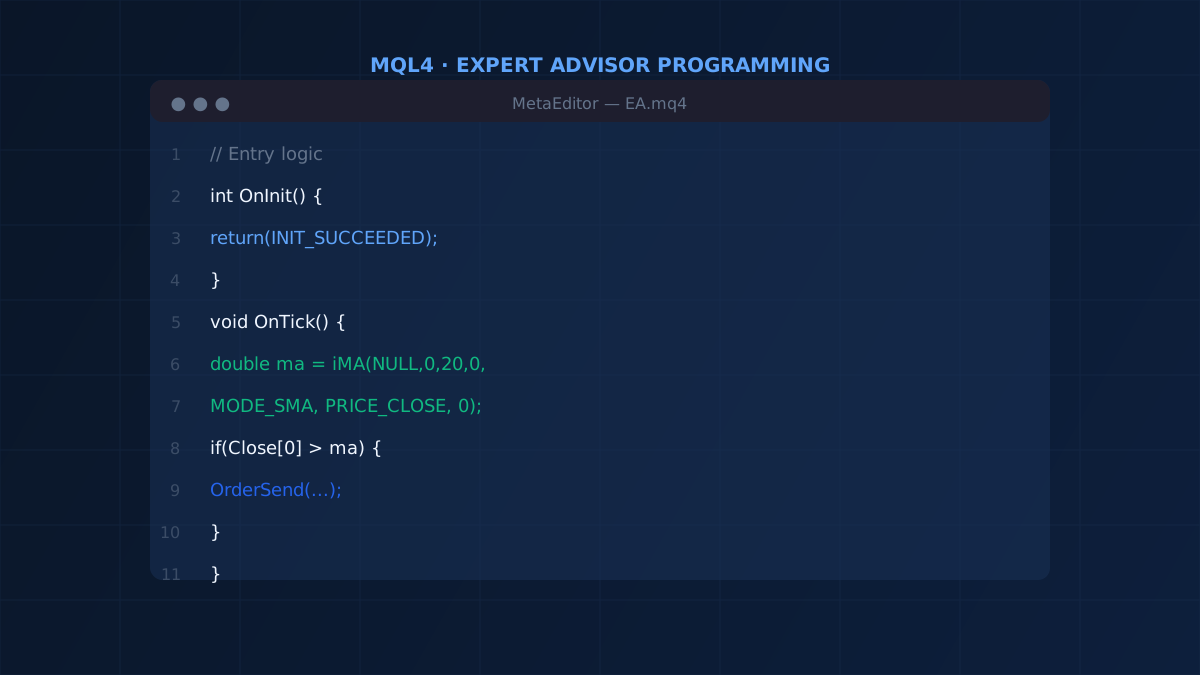
MetaTrader 4 remains the most widely used platform for retail algorithmic trading. Its native language, MQL4, lets you automate any trading idea into an Expert Advisor — a program that runs directly on the platform, executes orders, and manages positions without manual intervention.
This free video course covers MQL4 from the ground up. No prior programming experience is required. By the end you will have built a working, testable Expert Advisor from scratch.
The course is structured into 3 sections and 9 lessons, each with a dedicated video. Watch them in order — every lesson builds on the previous one.
Section 1 — Foundations of MQL4 Programming
Before writing trading logic, you need to understand the language itself. Section 1 covers the core building blocks: variables, arrays, type conversion, logical operators, and loops. These are universal programming concepts — if you already know another language, this section will feel familiar.
Lesson 1.1 — Simple Variables and Data Types
MQL4 uses typed variables: integers (int), floating-point numbers (double), text (string), and booleans (bool). This lesson explains what each type is for, how to declare and assign variables, and the scope rules that determine where a variable is accessible.
Lesson 1.2 — Arrays
Arrays let you store and access sequences of values — for example, a history of closing prices or indicator values across multiple bars. This lesson covers how to declare fixed-size and dynamic arrays, how to index them, and how to iterate over their contents.
Lesson 1.3 — Type Conversion
MQL4 is a statically typed language. When you need to convert between types — for example, from a double price to an int, or from a string input to a double — you must do so explicitly and safely. This lesson covers casting functions and the most common conversion patterns used in real EAs.
Lesson 1.4 — Logical Operators and Conditional Statements
Entry and exit conditions in an EA are expressed as logical expressions. This lesson covers the AND (&&), OR (||), and NOT (!) operators, comparison operators (<, >, ==, !=), and how to combine them into if / else if / else branches. Getting this right is essential for writing conditions that execute exactly when you intend.
Lesson 1.5 — Loops: for and while
Loops are how you process multiple bars, scan multiple open positions, or repeat an operation until a condition is met. This lesson covers for loops (used when the number of iterations is known in advance) and while loops (used when you loop until a condition changes). You will also see how to use break and continue to control loop flow.
Section 2 — Building Your First Expert Advisor
With the language foundations in place, Section 2 focuses on the MetaTrader 4 platform itself and guides you through writing an actual Expert Advisor — from the first line of code to a working, backtestable system.
Lesson 2.1 — Core MQL4 Functions
MetaTrader 4 exposes hundreds of built-in functions. This lesson introduces the ones you will use in almost every EA: OrderSend(), OrderClose(), OrdersTotal(), iMA(), iRSI(), iATR(), and the price series arrays (Open[], High[], Low[], Close[]). Understanding what each function returns and how to call it correctly is the foundation of all EA development.
Lesson 2.2 — MetaTrader 4 Platform Overview
Before you can run your EA, you need to understand the tools available to you: the MetaEditor IDE where you write and compile code, the Navigator panel where you attach EAs to charts, and the Strategy Tester where you backtest against historical data. This lesson is a guided tour of all three, so you can work efficiently from day one.
Lesson 2.3 — Writing Your First Expert Advisor
This lesson puts everything together. You will write a complete Expert Advisor from scratch: the OnInit() initialisation handler, the OnDeinit() cleanup handler, and the OnTick() event handler where the trading logic runs on every new price tick. By the end of this lesson you will have a working EA you can compile, attach to a chart, and run in the Strategy Tester.
Section 3 — Bonus: Portfolio Management
Most EA courses stop at building a single strategy. Section 3 goes further and introduces a concept that professional quants rely on: running a portfolio of systems simultaneously.
Lesson 3.1 — Running a Portfolio of Expert Advisors
A single EA will underperform in market regimes it was not designed for. A portfolio of non-correlated EAs — each optimised for different instruments and timeframes — smooths the equity curve and reduces dependence on any one strategy. This lesson explains how to structure and balance a multi-EA portfolio, how to allocate risk across systems, and how to combine aggressive and conservative strategies to achieve more stable long-term returns.
What You Need to Follow Along
- A Windows computer (MetaTrader 4 runs natively on Windows; Mac users can use a virtual machine or a broker-provided web terminal)
- A free MetaTrader 4 download from any broker
- The MetaEditor IDE — bundled with MT4, accessible from the Tools menu or the toolbar
No programming experience is required. The course is approximately 2.5 hours of video content. Take your time in Section 1 — the concepts there are the ones everything else builds on.
After the Course
Completing this course gives you the tools to build and test automated strategies. The next steps are:
- Backtest every strategy on historical data before risking real capital — use the Strategy Tester built into MT4
- Use quality historical data — broker data is often incomplete; importing tick-accurate M1 data from a reliable source produces far more meaningful backtest results
- Validate out-of-sample — test your EA on data it was never optimised against before going live
- Forward test on a demo account to observe live performance without financial risk
The investment in learning MQL4 pays off for years. A system you wrote yourself is one you fully understand, can debug, and can improve as the market evolves.