

MT4's Strategy Tester cannot natively simulate multiple EAs on one shared account, so it can't tell you what your combined equity curve, real drawdown, or correlation risk actually look like. To get a genuine portfolio result, export each EA's individual backtest report, then replay the merged trades chronologically on a shared-balance simulator, or run a dedicated portfolio backtester, using clean minute or tick data throughout.
TL;DR:
- MT4's Strategy Tester cannot accurately simulate multiple EAs trading on the same account, making portfolio-level risk and drawdown assessments unreliable.
- Effective portfolio analysis requires exporting individual backtests, normalizing trade data, and replaying trades chronologically through dedicated simulators or add-ons.
- Shared-balance replay tools like FXOptimize's simulator provide the most realistic historical equity and margin sequencing, essential for accurate risk and correlation analysis.
- Using consistent settings, clean data, and precise sizing rules is critical before trusting simulated results or live deployment of multiple strategies.
Table of Contents
- Why MT4's Strategy Tester Falls Short for Portfolio Analysis
- Tools and Approaches for Building a Real Portfolio Backtest
- Step-by-Step Shared-Balance Replay Workflow You Can Run With MT4 Backtests
- Which Metrics and Stress Tests Actually Matter Here
- Practical Realism Checklist Before You Trust Any Portfolio Result
- Authoritative Data and Resources That Make MT4 Portfolio Backtests Reliable
- The Minimum Viable Validation I Run for an MT4 EA Portfolio
- How Backtestmarket Removes the Data Friction Behind Portfolio Backtests
- Sources
Why MT4's Strategy Tester Falls Short for Portfolio Analysis
MT4 was built to test one expert advisor against one isolated account. Every backtest starts fresh, with its own balance, its own margin pool, and zero awareness that any other strategy exists. That model works fine when you're tuning a single EA's entry logic. It falls apart the moment you run three or four EAs live on the same account, because in reality they're all drawing from the same equity and the same margin at the same time.
This isn't a cosmetic gap. It changes the math.
Run them together on a shared account and their losing streaks can overlap, especially if both trade correlated pairs like EUR/USD and GBP/USD during a dollar rally. Parrondo's paradox captures a related wrinkle: combining strategies, even ones that look fine or mediocre alone, can produce outcomes nobody predicted, good or bad, depending on correlation and sequencing.
Margin and lot sizing compound the problem. Add a second EA and you're now splitting that margin two ways, which changes how much size each strategy can actually take before triggering a margin call.
What you can trust from a solo MT4 report:
- The EA's entry and exit logic under the tested conditions
- Individual trade-level profit and loss figures
- Symbol-specific behavior in isolation
What you cannot trust from it:
- Combined equity curve or portfolio-level drawdown
- Realistic margin usage when multiple EAs compete for capital
- Correlation risk between strategies trading similar instruments
Tools and Approaches for Building a Real Portfolio Backtest
Once you accept that MT4 alone won't give you a shared-balance answer, you've got three practical routes, and each fits a different stage of research.
Shared-balance replay simulators. These parse the HTML reports MT4 and MT5 already generate, normalize the trade data, and replay everything chronologically on a single simulated account. FXOptimize's EA Portfolio Simulator works this way, running the analysis in-browser so you're not uploading raw account files anywhere, and calculating correlation matrices, Pareto frontiers, and Monte Carlo stress tests on the merged trade set. This is the closest thing to an honest answer for "what would these EAs have done together, historically."
Portfolio tester add-ons. Tools like MT4 Portfolio Tester 3.0 automate batch testing across multiple EAs, symbols, and timeframes inside MT4 itself. You can edit spreads, save projects for later, and export combined reports to Excel or CSV. It's a faster path than manual replay if you're iterating on many EA combinations at once, though you're working within MT4's own testing engine rather than a purpose-built simulator.
Portfolio-capable EAs (basket engines). These run the portfolio logic live or on demo, managing multiple strategies as one unified system in real time. They're useful once you're ready to deploy, but a basket engine can't retroactively tell you how a specific set of independent EAs would have behaved together five years ago. That's a forward-testing tool, not a historical one.
Match the tool to the question you're actually asking:
- Need exact historical equity and margin sequencing? Use shared-balance replay.
- Need to screen dozens of EA combinations fast? Use a portfolio add-on.
- Ready to trade the combination live? Use a basket EA, after you've already validated it historically.
Templates like the DTT backtest analysis spreadsheet sit alongside these options, converting raw MT4/MT5 output into portfolio-level summary rows when you'd rather work in a spreadsheet than a dedicated simulator.
Step-by-Step Shared-Balance Replay Workflow You Can Run With MT4 Backtests
Here's the actual sequence, in order, from raw MT4 reports to a portfolio you can defend.
- Export consistent reports. Run each EA's individual backtest with identical date ranges, identical starting balance, and matched spread assumptions. Mismatched settings here poison everything downstream.
- Parse and normalize. Convert each HTML report into a unified schema: timestamp, symbol, direction, lot size, open price, close price, commission, and swap. This is exactly the step FXOptimize's simulator automates by parsing MT4/MT5 reports directly.
- Merge chronologically. Interleave every trade from every EA by timestamp, not by which report it came from, so the sequence matches what would have actually happened on one account.
- Recalculate sizing dynamically. A trade opening at 3pm should size itself off the equity available at 3pm, not off some static starting balance. This dynamic recalculation is what separates a real shared-balance simulation from a naive spreadsheet sum, since it changes each trade's actual risk contribution.
- Replay on a simulator. Compute live equity, margin usage, and drawdown across the full timeline, trade by trade.
- Run the diagnostic suite. Generate a correlation matrix, isolate which EA contributes most to peak drawdown, plot a Pareto frontier of return versus drawdown, and run Monte Carlo sequencing to see how sensitive results are to trade order.
- Validate forward. Take the winning combination to a demo account with identical sizing rules before committing real capital.
Keep the merged dataset and your parsing rules saved as a reusable project file. You'll rerun this constantly as EAs get updated, and rebuilding it from scratch every time wastes hours you don't need to lose.
- Consistent report settings across every EA export
- A normalized trade schema you reuse project to project
- Dynamic, timestamp-aware position sizing
- A saved, repeatable simulation file
Which Metrics and Stress Tests Actually Matter Here
Raw return percentage tells you almost nothing about whether a portfolio is safe to run. These are the numbers that actually decide whether you allocate capital to a combination or walk away from it.
Core performance metrics:
- Combined return percentage over the full test period
- Maximum drawdown, in both dollar terms and percentage
- Sharpe and Sortino ratios, measuring risk-adjusted return with Sortino focusing only on downside volatility
- Profit factor and recovery factor
Portfolio diagnostics:
- Correlation matrix across every EA pair, flagging any two strategies moving together during drawdowns
- Marginal contribution to drawdown, showing which single EA is driving the worst equity dips
- Symbol concentration, catching hidden overexposure when three EAs all quietly trade EUR/USD
Robustness checks:
- Pareto frontier analysis plotting return against drawdown across different EA weightings, so you can see the actual trade-off curve instead of guessing at it
- Monte Carlo sequencing, which reshuffles trade order thousands of times to reveal how much of your result depends on lucky sequencing versus genuine edge
- Parameter sensitivity testing, checking whether small input changes crater performance
Use correlation and marginal drawdown contribution together to build the allocation. An EA with a beautiful solo Sharpe ratio that correlates at 0.8 with your best performer isn't diversification, it's concentrated risk wearing a disguise.
Practical Realism Checklist Before You Trust Any Portfolio Result
A portfolio backtest is only as honest as the data and modeling settings underneath it. Run through this before you act on any result.
- Use clean tick or minute-bar data, and aim for a modeling quality near 99% in MT4 wherever your broker's historical feed allows it.
- Fix GMT offset mismatches. If one EA's report timestamps sit three hours off from another's, your chronological merge in step 3 above is quietly wrong, and every downstream metric inherits that error.
- Model real spreads, commissions, and slippage, plus your broker's actual margin and leverage rules, not the tester's default assumptions.
- Apply your live sizing rule exactly, whether that's fixed lots or percent-risk sizing, since the replay's dynamic recalculation only works if the sizing logic matches what you'd actually trade.
- Audit for data gaps and outliers before you run anything, and write down how you'll handle rejected orders or partial fills so the rule is consistent across every EA in the merge.
Pro Tip: Run your GMT offset check first, before you touch normalization. A three-hour timestamp mismatch between two EA reports can flip which strategy "caused" a drawdown spike in your analysis, and you won't catch it just by eyeballing the equity curve.
Authoritative Data and Resources That Make MT4 Portfolio Backtests Reliable
Every step in this workflow depends on clean input data. Timestamp gaps, missing bars, and inconsistent spreads don't just add noise, they distort correlation figures and drawdown timing enough to change which EAs you'd choose to combine.
Import-ready minute-bar intraday datasets across forex, metals, indices, and bonds are available, built specifically to avoid the gaps and outliers that derail portfolio replays. Technical support may be available for import questions and data recovery when something doesn't line up.
- Import a sample dataset and check it against your broker's live feed for a short overlapping window
- Confirm timestamps align to GMT before merging into any multi-EA replay
- Review the modeling quality guide for the specific settings MT4 checks internally
- Read the data auditing walkthrough before trusting a new dataset in a portfolio run
The Minimum Viable Validation I Run for an MT4 EA Portfolio
Start with a data audit, then run shared-balance replay on your top three EA candidates only. Don't try to test fifteen combinations at once; the correlation and drawdown-stacking effects get harder to read as noise increases.
From there, check the correlation matrix and marginal drawdown contribution before you touch a demo account. If two of your three candidates correlate above 0.6, that's your answer on whether you actually have a diversified basket. Then forward-test the surviving combination with identical sizing rules and real monitoring, since simulation tells you what should happen, not what your broker's execution will actually deliver. Testing methodology matters here too, and FundingOptimal's guide on validating strategies covers the transition from historical results to forward confidence well. Simulation picks your candidates. Live risk controls keep them alive.
— Start
How Backtestmarket Removes the Data Friction Behind Portfolio Backtests
Every step in the workflow above assumes clean, gap-free, correctly timestamped data, and that's exactly where most portfolio backtests quietly go wrong before a single trade gets merged. Import-ready minute-bar datasets across forex, metals, indices, and bonds are cleaned and aligned specifically to help avoid GMT offset and gap issues in shared-balance replay.
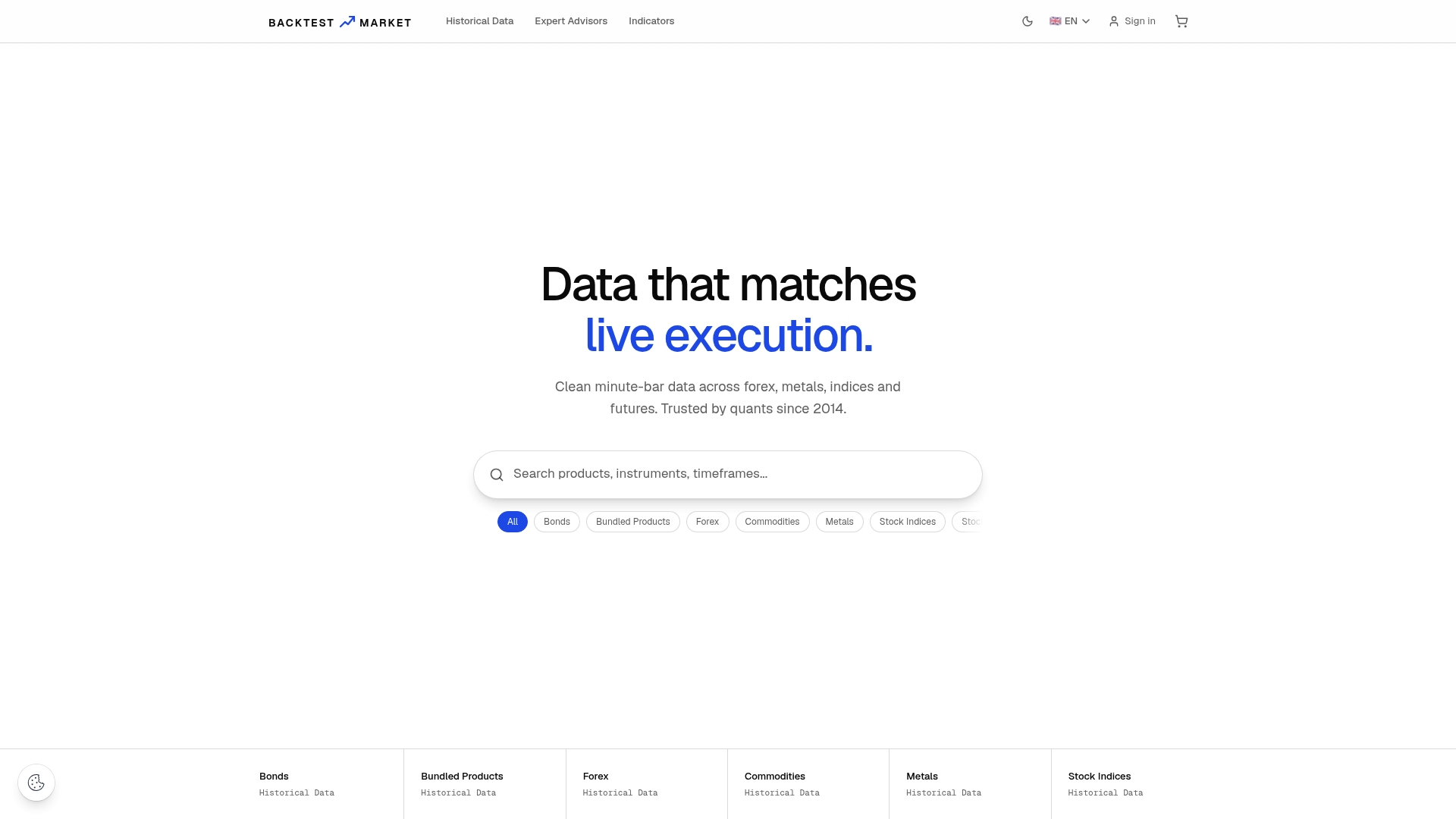
Start with a forex bundle if your EA candidates trade major pairs, since correlation checks matter most there, or pull from the full historical data catalog if your portfolio spans asset classes. Each dataset drops straight into MT4 or MT5 using the same import process outlined here, and Technical support is provided for import and recovery questions, aiming to reduce delays compared to typical support queues. That cuts the audit time out of step one of the workflow, so you spend it on the replay and correlation analysis instead. Download a sample dataset and run it against one EA you already trust before committing a full portfolio test to it.
Sources
These are the specific resources referenced throughout this guide, worth bookmarking for when you're actually building your next replay.
- EA Portfolio Simulator — Test Every EA Combination on One Account
- MT4 Portfolio Tester 3.0 - Trading Indicators
Recommended
- Fixing MT4 Missing Data: A Complete Recovery Guide
- How to Achieve 99% Modeling Quality in MT4 for Backtests
- How to Import CSV Data Into MT4 for Backtesting
- How to Import Historical Data in MetaTrader 4 & 5
Related resources
Explore BacktestMarket's historical data packs to put the ideas in this article into practice.