Use validated tick data or clean minute-bar datasets, never rely on raw broker history alone, and always run a gap and timestamp audit before you trust the results. BacktestMarket's HISTORICAL DATA COMPLETE PACK gives you a reproducible starting point built for this exact job. Import it as a custom symbol, then verify modeling quality before you touch a strategy report.
TL;DR:
- Using curated, clean minute-bar datasets from a trusted provider ensures reproducibility and removes gaps or inconsistencies typical of raw broker data.
- Broker-supplied history may match live feeds but often contains silent gaps and varying depths, especially for long-term backtests, impacting accuracy.
- Importing data into MT5 requires creating a custom symbol, matching GMT and DST settings, and verifying modeling modes to ensure accurate tick or bar-based results.
- Running data quality checks such as timestamp-spacing and drift comparisons helps identify fabrication or missing data before backtesting.
- Tick data is only necessary for strategies sensitive to order execution details; for longer-term trades, clean minute bars usually suffice.
Table of Contents
- Where should you get MT5 backtesting data sources from?
- How does MT5 actually store and use historical data?
- What data-quality checks do you actually need to run?
- How do you import external data into MT5 correctly?
- How do you validate that a backtest result actually holds up?
- Why a curated dataset solves problems broker history can't
- When does tick fidelity actually matter, and when doesn't it?
- Get a dataset that's already been through the checks
- Sources
Where should you get MT5 backtesting data sources from?
Every source category trades off convenience against fidelity, and picking wrong is how traders end up optimizing a strategy against noise instead of real market behavior.
Broker-supplied history is the default, and it has one real advantage: it matches whatever feed you'll trade live on. The problem is depth and consistency. Some brokers only retain a few years of tick data, and gaps get silently filled without any warning in the terminal. You won't know unless you go looking.
Public tick archives, the kind maintained by long-running FX data projects, work well for tick-level fidelity, but only if you correct for timezone offsets and DST shifts before import. Skip that step and every trade timestamp in your backtest is quietly wrong.
Paid curated datasets solve the provenance problem outright. A vendor that cleans, timestamps, and packages data specifically for MT5 import removes the guesswork, which matters most when you need a result you can reproduce six months from now. This is where BacktestMarket's minute-bar datasets fit.
APIs and broker-accurate services offer programmatic access to structured OHLC bars, per-bar spreads, and even WebSocket tick streams, which suits traders building automated pipelines. The catch: always check how far back the history actually goes before assuming full coverage.
- Broker history: live-accurate but inconsistent depth
- Public tick archives: strong fidelity, needs timezone correction
- Paid data packs: cleanest provenance, ready to import
- APIs: programmatic and broker-accurate, verify history depth first
How does MT5 actually store and use historical data?
MT5's Strategy Tester pulls M1 bars and tick history straight from your broker the first time you run a test, and it enforces minimum history buffers that scale by timeframe. You need at least 100 bars on M1, and at least 100 weeks on W1, before the tester will even proceed.
Modeling modes matter more than most traders realize. "Every tick," "Every tick based on real ticks," and "OHLC" each reconstruct price movement differently within a bar, and only "Every tick based on real ticks" uses genuine sub-bar price action. Reaching that mode with real precision requires importing external tick data yourself, since broker feeds rarely go back far enough.
- M1 needs at least 100 bars; W1 needs at least 100 weeks
- "Every tick based on real ticks" needs imported tick history for full accuracy
- The history-quality percentage measures data adequacy, not strategy validity
- A 100% score confirms your data is sufficient. It says nothing about whether your strategy works
What data-quality checks do you actually need to run?
A backtest is only as trustworthy as the data feeding it, and most traders skip the checks that would catch a bad dataset before it wastes their time.
- Build an expected timeframe grid. Map out every bar that should exist across your test window, then flag what's missing. Weekend and holiday gaps are benign; unexplained multi-day holes are not.
- Run a timestamp-spacing check. Synthetic or fill bars tend to show up as suspiciously uniform spacing, where a real multi-day gap gets collapsed into a single fabricated candle. That uniformity is a reliable defect signal.
- Compare feeds across a common window. Pull the same date range from two sources and measure the drift. Large divergence usually traces back to cost effects, price effects, or trade-execution differences, not random noise.
- Cache your exports. Save cleaned data as Parquet files and run your audits offline, before you ever load anything into the Strategy Tester.
Pro Tip: Run the timestamp-spacing check first. It takes minutes and catches the single most common data defect, fabricated fill bars, before you waste hours backtesting against fiction.
How do you import external data into MT5 correctly?
Getting tick or bar data into MT5 without triggering an overwrite takes a specific sequence, and skipping a step usually means silently corrupted history.
- Create a custom symbol, something like
EURUSD_Custom, so the terminal never overwrites your imported data on its next connection. - Export and import 1-minute bars first, then load tick data on top, matching your broker's GMT offset and DST schedule exactly.
- Run "Every tick based on real ticks" mode afterward and confirm the modeling-quality readout reflects your imported history, not a fallback approximation.
- Set spreads and commissions to match live trading conditions. Zero-spread backtests inflate results in ways that never survive contact with a real account.
BacktestMarket's own import walkthrough covers the exact click-by-click sequence for MT4 and MT5 if you want a reference while you work.
How do you validate that a backtest result actually holds up?
Clean data gets you halfway. The other half is proving your result isn't an artifact of curve-fitting one specific historical window.
- Split your data into in-sample and out-of-sample windows, then run walk-forward validation to see whether performance holds outside the window you optimized on.
- Keep a versioned, cached data snapshot, Parquet works well, and always test against that exact file rather than a fresh terminal download that might differ silently.
- Run the identical strategy across two feeds and decompose any drift into cost, price, or trade effects to see whether the mismatch actually threatens your edge.
- Log dataset versions and test parameters in one manifest file per run, so you can reproduce or challenge any result later.
This kind of structured testing protocol is what separates a strategy that survives live trading from one that only ever worked on paper.
Why a curated dataset solves problems broker history can't
Most MT5 backtest failures trace back to the same root cause: inconsistent, unverified source data. BacktestMarket has built clean minute-bar intraday datasets since 2014, spanning forex, metals, bonds, and stock indices, specifically to remove that variable.
- One-click, ready-to-import files eliminate the manual GMT and DST correction work most tick imports require
- Engineer-backed support means data provenance questions get answered by people who built the pipeline, not a ticket queue
- A consistent dataset across instruments means less risk of the silent gaps and inconsistent history depth that plague raw broker exports
The EURUSD 5-minute dataset is a useful example of what a ready-to-import product actually looks like once cleaned.
When does tick fidelity actually matter, and when doesn't it?
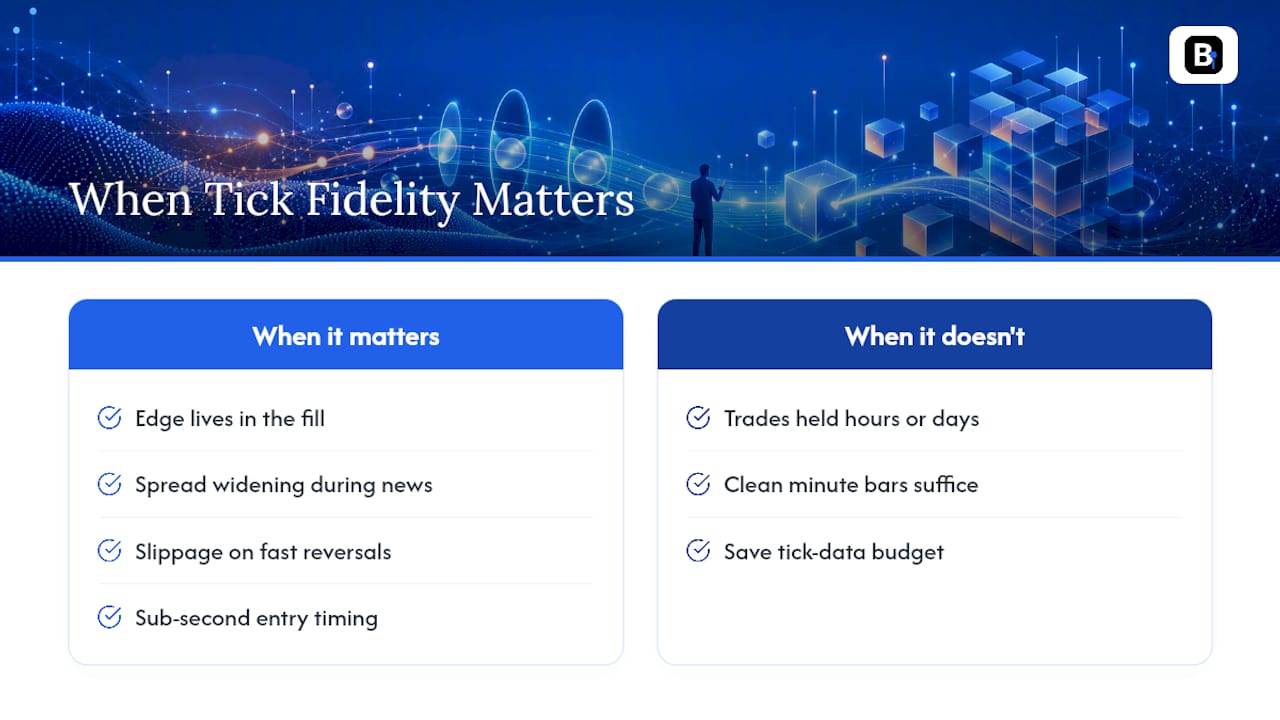
Tick-level data earns its cost when your edge lives in the fill, spread widening during news, slippage on fast reversals, sub-second entry timing. If your strategy holds trades for hours or days, clean minute bars usually capture everything that matters, and you can save the tick-data budget for strategies that actually need it.
My checklist stays the same regardless: validate history depth, import as a custom symbol, run the gap audit, then forward-test before risking capital. Skip a step and you're not testing a strategy. You're testing a hypothesis about data you never verified.
— Start
Get a dataset that's already been through the checks
BacktestMarket exists for exactly the workflow described above: you get clean, minute-bar historical data across forex, metals, bonds, and stock indices, packaged as one download and ready for direct import into MT5, without the timezone corrections or gap-patching that raw broker exports demand.
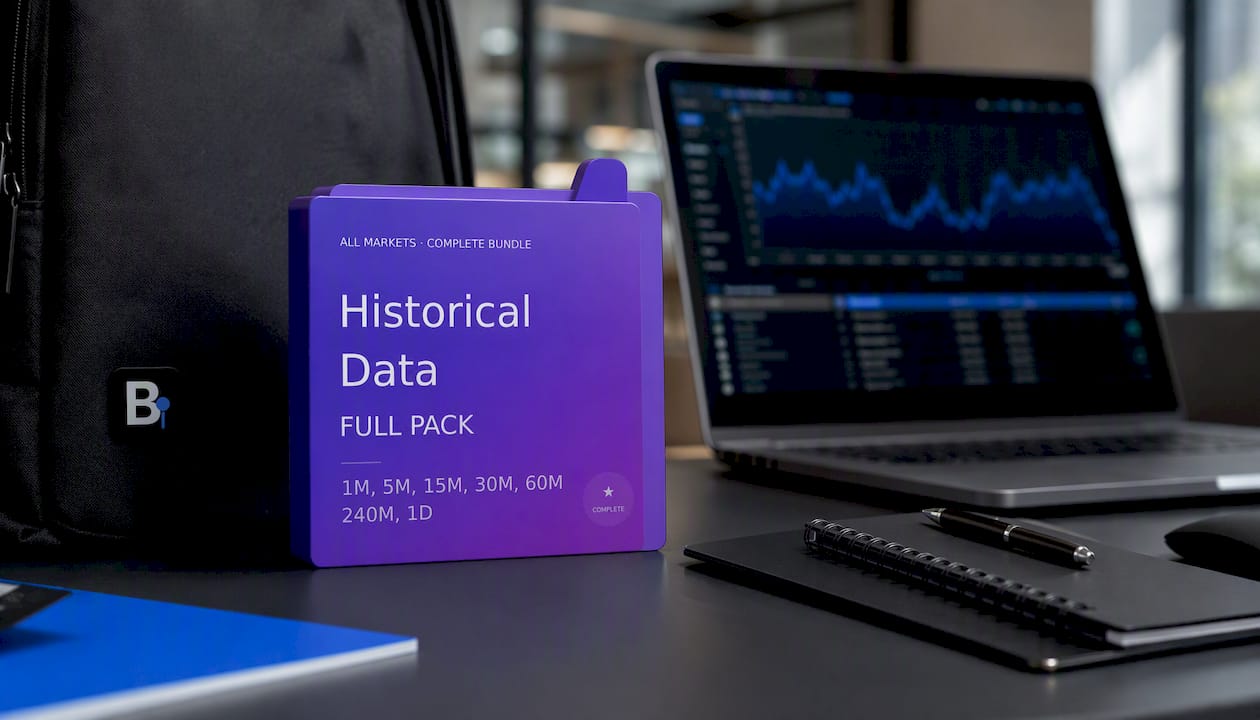
The HISTORICAL DATA COMPLETE PACK bundles the full instrument range into a single purchase, so you're not stitching together data from five different sources and hoping the timestamps line up. Every dataset comes with direct access to the engineers who built it, not a generic support queue, which matters when you're troubleshooting a modeling-quality readout at midnight before a strategy deploys. Pair the pack with the import walkthrough and you can go from download to a validated custom symbol in one sitting. If reproducibility is the goal, this is the fastest way to get there: check the product page, confirm your instrument coverage, and start your import today.
Sources
- How the Tester downloads historical data - MetaTrader 5 Help
- MT5 backtest data audit and feed differences (Broker data audit tutorial)
This article is general information, not a substitute for advice from a qualified financial advisor. Consult a qualified financial professional about your own circumstances before acting on anything here.
Recommended
Related resources
Explore BacktestMarket's historical data packs to put the ideas in this article into practice.