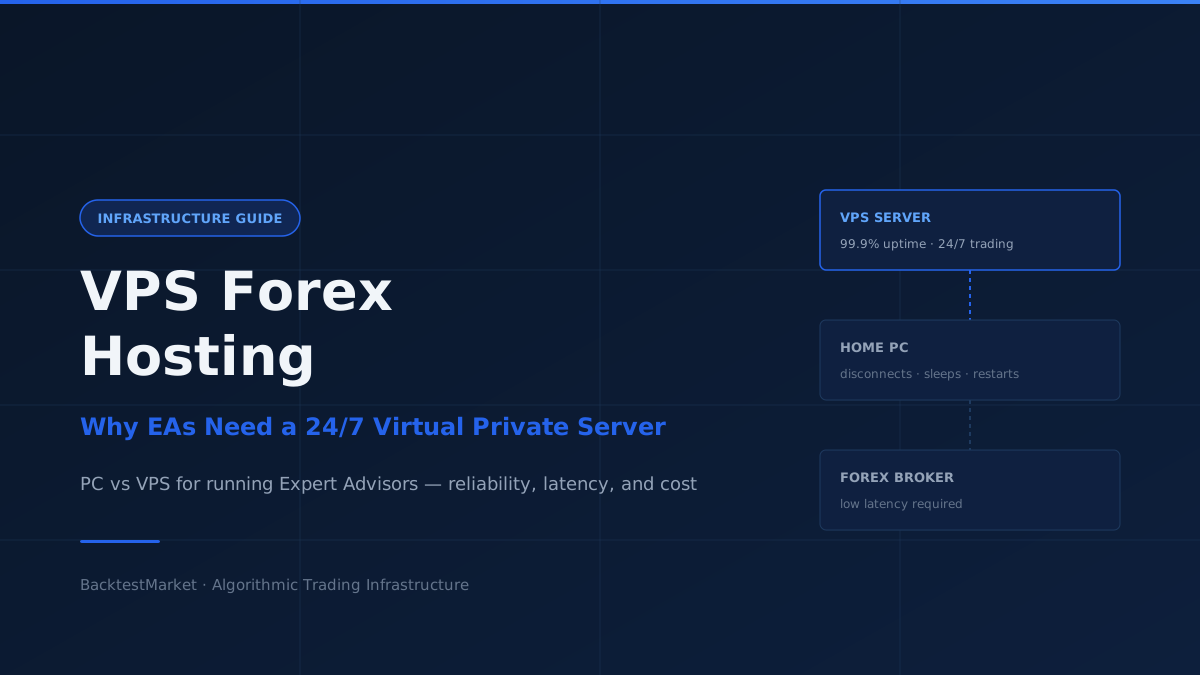
In order to invest online in Forex, you need to install and configure a trading platform. This article explains the different available options — a Personal Computer versus a VPS Forex hosting service — and which one delivers better results for automated trading strategies.
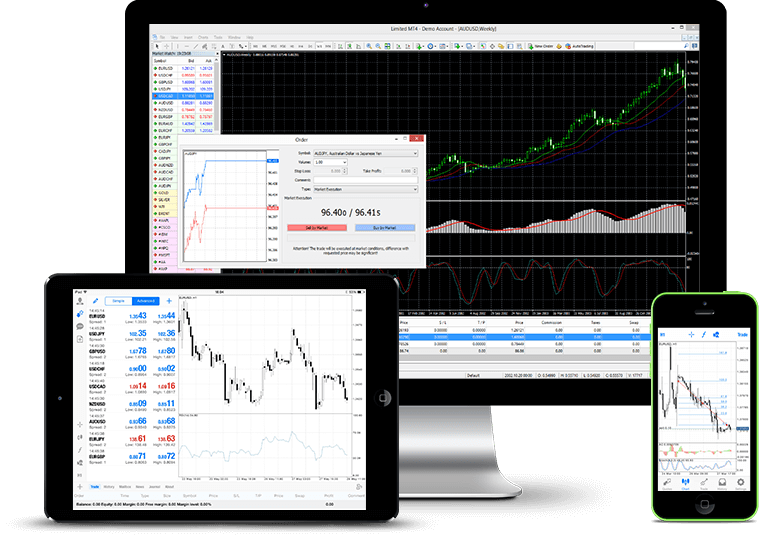
When you decide to invest in Forex or Futures, you rely on a broker that provides a trading platform for real-time execution. One of the most popular platforms is MetaTrader 4, available for PC, Mac, smartphone, and tablet. You can run MetaTrader from your personal computer or from a VPS Forex online service. Here is how to evaluate the right choice.
Solution 1: Trading From a Home Computer
Manual trading from a personal computer is the simplest and cheapest option. You open an account, install MetaTrader, and run it.
For manual long-term or swing trading, a home PC is sufficient. When you set a stop loss and take profit and submit the order to the broker, the order lives on the broker's server — not on your machine. You can close the platform and shut down the PC. The order will execute when market conditions are met.
For automated strategies and Expert Advisors, the situation is different. An Expert Advisor is not a standing order on the broker's server — it is a program running on your machine that opens and closes trades when its conditions are met. If your PC goes offline, the EA stops working entirely.
PC Hardware Requirements
If you need the PC running MetaTrader full-time:
- PC used for multiple purposes (work, leisure, gaming): you need a powerful machine — preferably not a laptop, with an Intel processor and at least 8 GB of RAM
- PC dedicated to trading only: a 2-core processor and 4 GB of RAM is sufficient
The Problems With a Home Setup
A home PC is an acceptable solution if you are just starting out with small capital. For serious, professional algorithmic trading it introduces unacceptable risks:
- Sudden restarts from Windows updates
- Operating system crashes
- Overheating during extended runtime
- Power outages
- Internet connection drops or quality fluctuations
Any of these can cause your EA to miss an entry signal, leave a position unmanaged, or execute at a significantly worse price than intended.
Solution 2: VPS Forex Hosting
A Virtual Private Server (VPS) eliminates every problem listed above. It is a paid service that provides a remote Windows machine accessible from anywhere in the world, running 24/7 in a professional data centre.
With a VPS you do not need to keep your own computer switched on and connected. The VPS handles all trading operations. You connect to it from any device via Remote Desktop Protocol (RDP) to monitor performance or update your configuration.

Advantages of a Forex VPS
- 24/7 execution — MetaTrader runs continuously regardless of what your home PC is doing
- Accessible from anywhere — connect from any computer, tablet, or phone
- Managed hardware — if a component fails, the hosting provider handles repairs; you do nothing
- Professional monitoring — providers monitor servers continuously
- Minimum 99% uptime guarantee — standard across reputable providers
Choosing a VPS Provider
AWS (Amazon Web Services) is technically excellent but overly complex for an algorithmic trader — it requires software engineering knowledge to set up properly and is expensive for this use case.
For most algorithmic traders, vpsserver.com offers the best cost-to-reliability ratio for forex VPS hosting. It is inexpensive, straightforward to configure, and has proven reliable for running Expert Advisors continuously. The setup process is simple:
- Subscribe and receive RDP credentials (IP address, username, password)
- Connect via Remote Desktop on Windows
- Install MetaTrader 4 inside the VPS
- Copy your Expert Advisor files, configure input parameters, enable AutoTrading
- Disconnect — the VPS keeps running with or without your connection
Which Setup Is Right for You?
| Situation | Recommendation |
|---|---|
| Manual trading, long-term orders | Home PC is fine |
| Just starting with automated trading, small capital | Home PC is acceptable |
| Running EAs professionally, any significant capital | VPS is required |
| Multiple EAs on multiple instruments | VPS is required |
If you are running Expert Advisors with real capital, the monthly cost of a VPS (typically €10–30/month) is trivially small compared to the cost of a single missed signal or unmanaged position caused by a home PC outage.