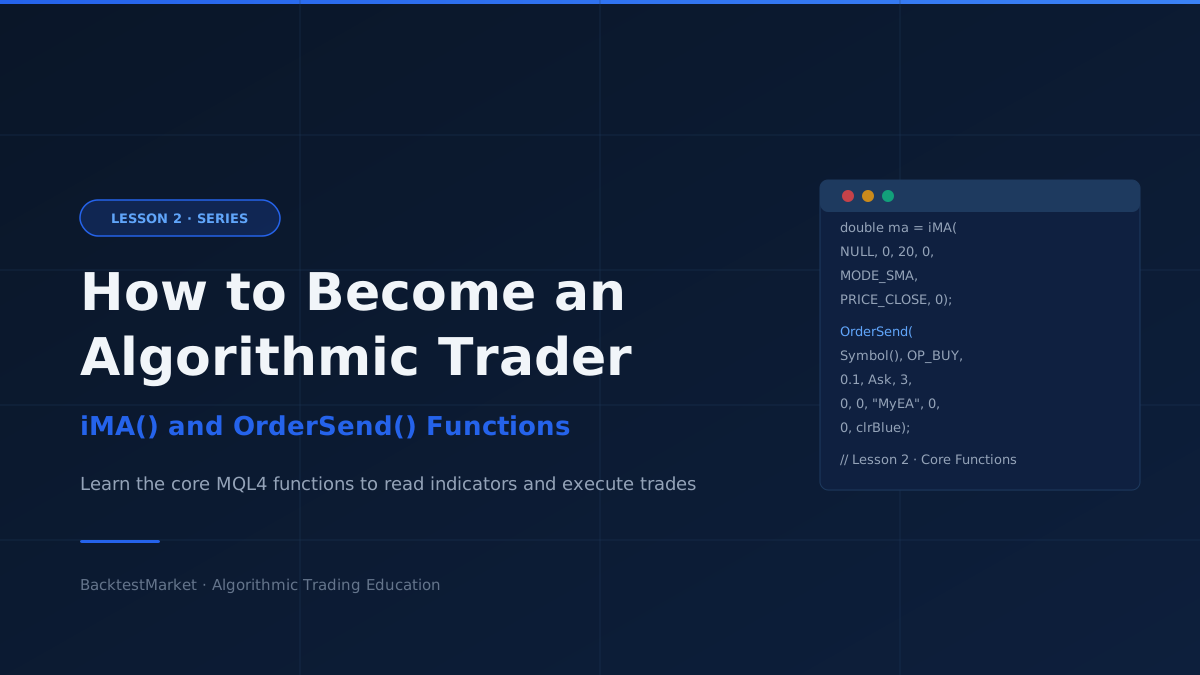
The aim of this lesson series is to give you the practical instruments to start coding an Expert Advisor. In this lesson you will learn the two functions you will use in almost every EA: how to read a technical indicator, and how to place an order.
The Simplest Technical Indicator: Moving Average
The easiest indicator to start with is the Moving Average. A single line of MQL4 is all you need to calculate it:
double iMA(Symbol(), PERIOD_CURRENT, 20, 0, MODE_EMA, PRICE_OPEN, 0);
The keyword double before iMA() declares that the result is a floating-point number (a price with decimal places). Every parameter inside the brackets controls a different aspect of the calculation:
| Parameter | Value in example | Meaning |
|---|---|---|
| 1st — Symbol | Symbol() | The instrument to calculate on. NULL or Symbol() = current chart symbol |
| 2nd — Timeframe | PERIOD_CURRENT | The timeframe. Can be PERIOD_M1, PERIOD_H1, PERIOD_D1, etc. |
| 3rd — Period | 20 | Number of candles used to compute the average |
| 4th — MA shift | 0 | Horizontal offset of the indicator line (usually 0) |
| 5th — Method | MODE_EMA | Averaging method: MODE_SMA, MODE_EMA, MODE_SMMA, or MODE_LWMA |
| 6th — Applied price | PRICE_OPEN | Which price to average: PRICE_CLOSE, PRICE_OPEN, PRICE_HIGH, PRICE_LOW, PRICE_MEDIAN, PRICE_TYPICAL, PRICE_WEIGHTED |
| 7th — Shift | 0 | How many bars back to read (0 = current bar, 1 = previous bar) |
The OrderSend Function
Once you have an indicator telling you when to act, you need a function to place the trade:
int OrderSend(Symbol(), OP_BUY, 0.01, Ask, 50, 0, 0, "My order", 100, 0, clrGreen);
This function sends a market or pending order to the broker. Here is what each parameter does:
| Parameter | Value in example | Meaning |
|---|---|---|
| 1st — Symbol | Symbol() | Instrument to trade |
| 2nd — Operation | OP_BUY | Order type: OP_BUY, OP_SELL, OP_BUYLIMIT, OP_SELLLIMIT, OP_BUYSTOP, OP_SELLSTOP |
| 3rd — Lots | 0.01 | Position size in lots. Smaller = less capital at risk |
| 4th — Price | Ask | Entry price. Use Ask for buys, Bid for sells |
| 5th — Slippage | 50 | Maximum acceptable price slippage in points. The order executes only if the actual fill is within this range of the requested price |
| 6th — Stop loss | 0 | Stop loss level (0 = none) |
| 7th — Take profit | 0 | Take profit level (0 = none) |
| 8th — Comment | "My order" | Free-text label visible in the terminal and backtest report |
| 9th — Magic number | 100 | Unique identifier for this EA's orders. Critical for recovery after a platform restart — the EA uses the magic number to recognise which open positions belong to it |
| 10th — Expiry | 0 | Expiration time for pending orders. Not used for market orders |
| 11th — Arrow colour | clrGreen | Colour of the entry arrow drawn on the chart. Use CLR_NONE to hide arrows (useful in production; keep them visible during backtesting) |
Putting It Together
You now have the two building blocks every EA needs:
iMA()— read the value of a technical indicator at any bar and timeframeOrderSend()— open a market or pending order with full control over size, price, and risk parameters
In Lesson 3, you will combine these two functions with variables and if statements to build a complete Moving Average crossover Expert Advisor from scratch.